
- Embedded form (iFrame)
- Paywint-hosted page (redirect)
- Inline Checkout SDK
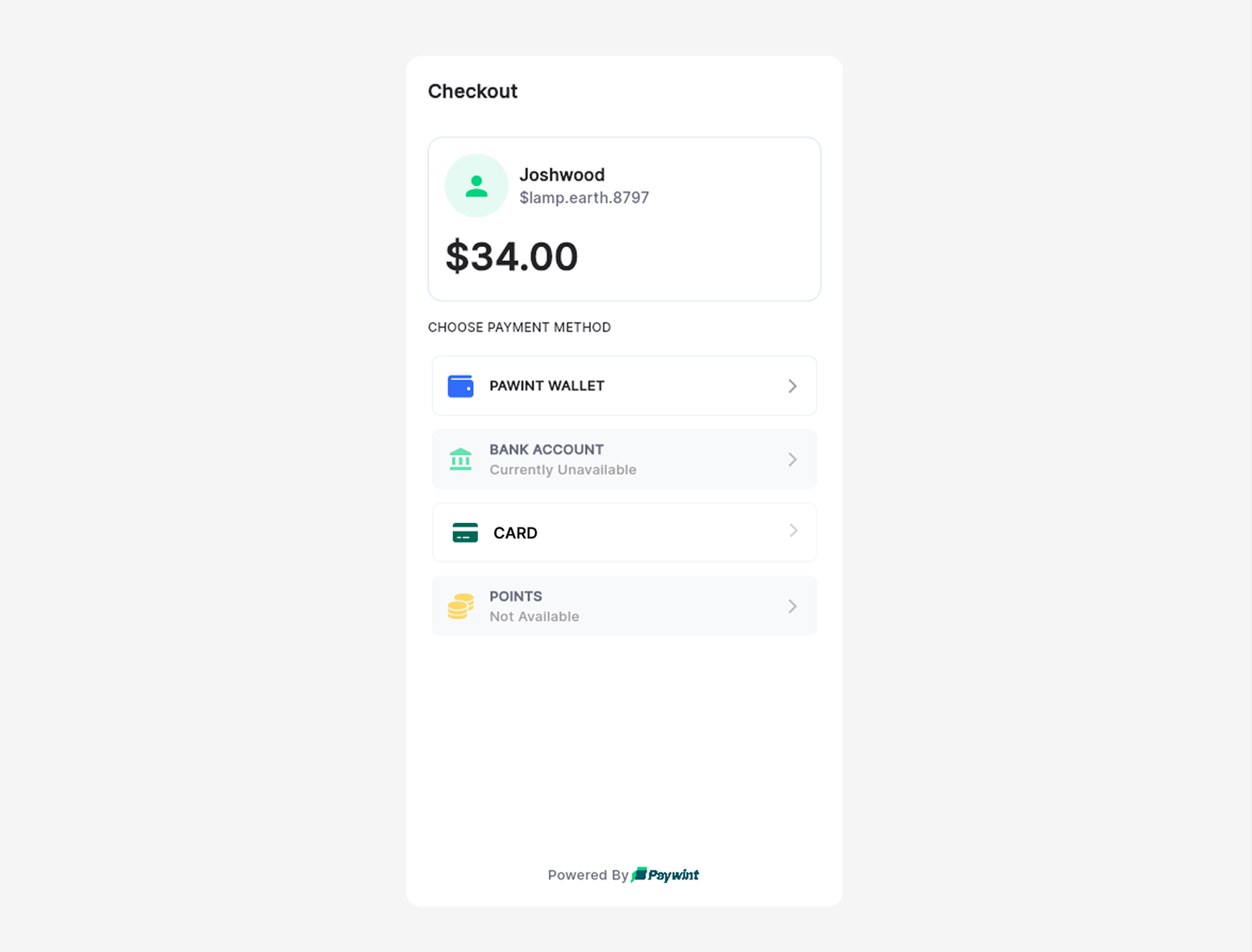
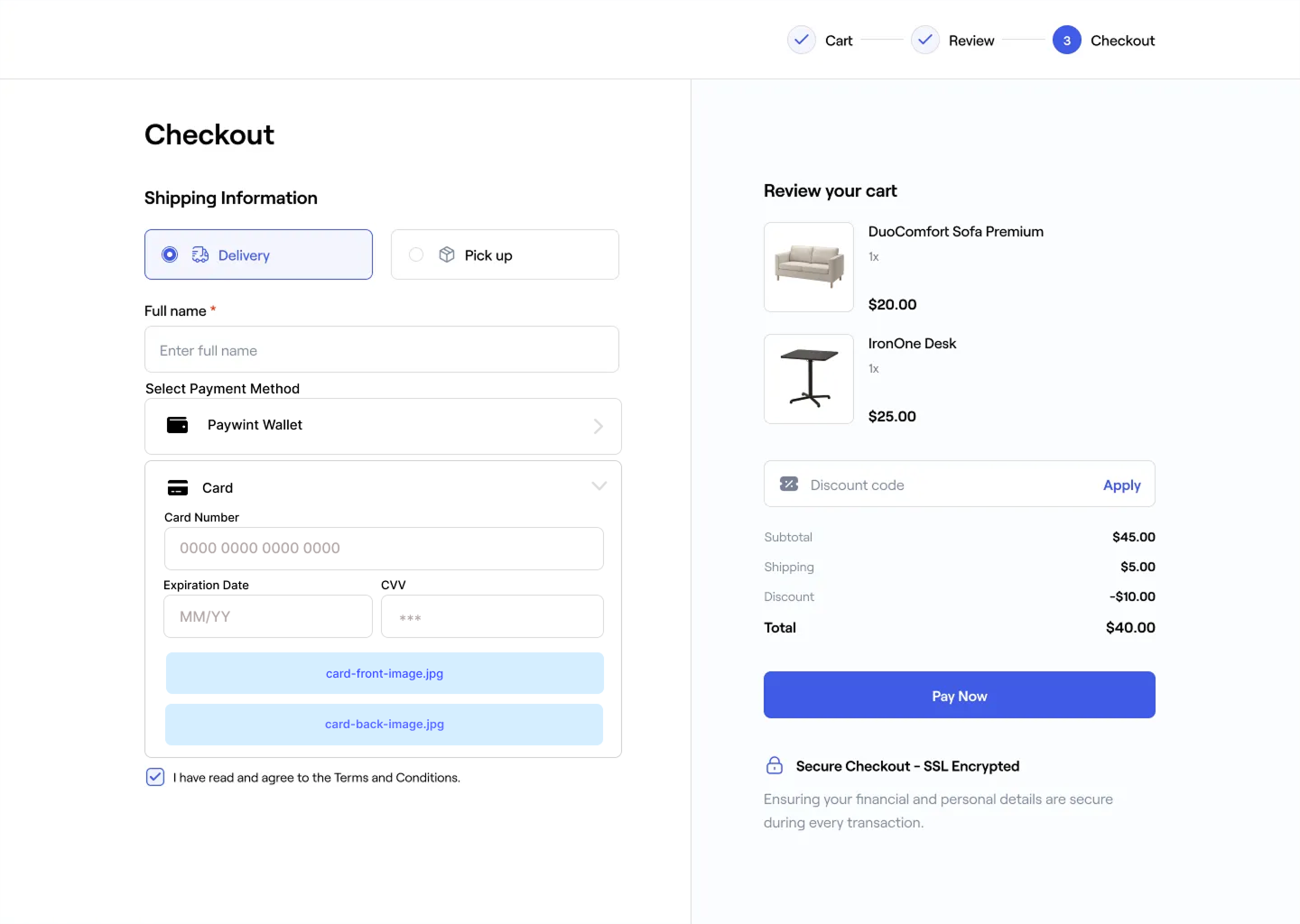
Embed the Paywint checkout inside your website using an iFrame.
This option keeps customers inside your UI while Paywint handles all sensitive data and compliance.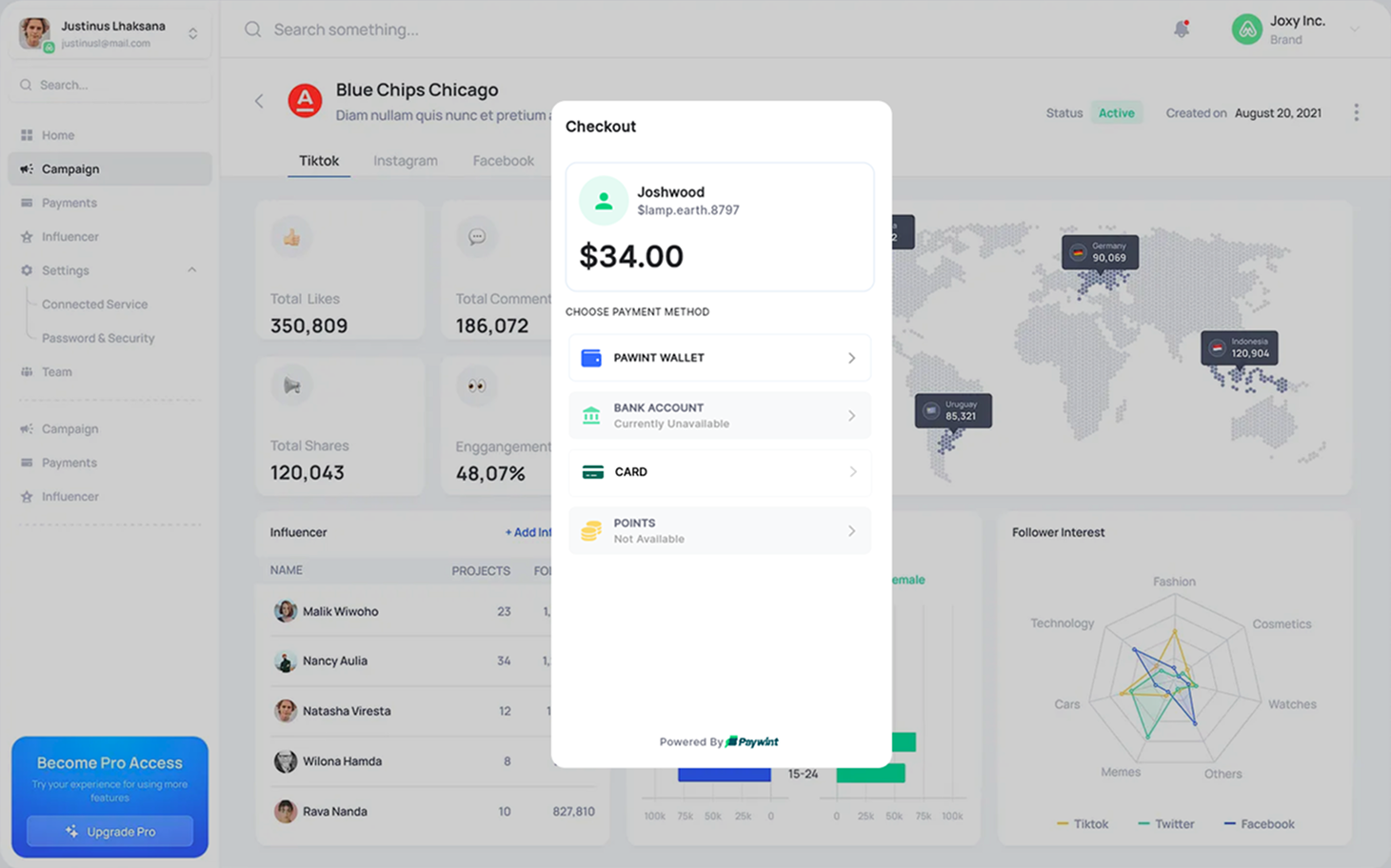
This option keeps customers inside your UI while Paywint handles all sensitive data and compliance.
1
Create a payment link
Your backend calls
Create Payment Link
with the amount and payer information.
2
Receive the checkout URL
Paywint returns a
payment_link URL representing the checkout session.3
Embed the checkout
You load the
payment_link inside an <iframe> on your website.4
Customer completes the payment
The customer reviews and completes the payment inside the embedded checkout.
5
Receive lifecycle webhooks
Paywint sends webhook notifications to your server as the payment progresses
(session opened, status updates, and final result).
For full event details, see the Webhooks documentation.
(session opened, status updates, and final result).
For full event details, see the Webhooks documentation.
6
Redirect the customer
After the checkout finishes, Paywint redirects the customer to the Redirect URL
that you configure in your merchant dashboard.
The redirect includes the final payment status, and your application should handle
the next steps based on that status.
that you configure in your merchant dashboard.
The redirect includes the final payment status, and your application should handle
the next steps based on that status.