Compliance applies only to specific payment methods and not to wallet-to-wallet transfers. You can initiate and manage both KYC (Know Your Customer) and KYB (Know Your Business) through the API.
KYC Verification (Individuals)
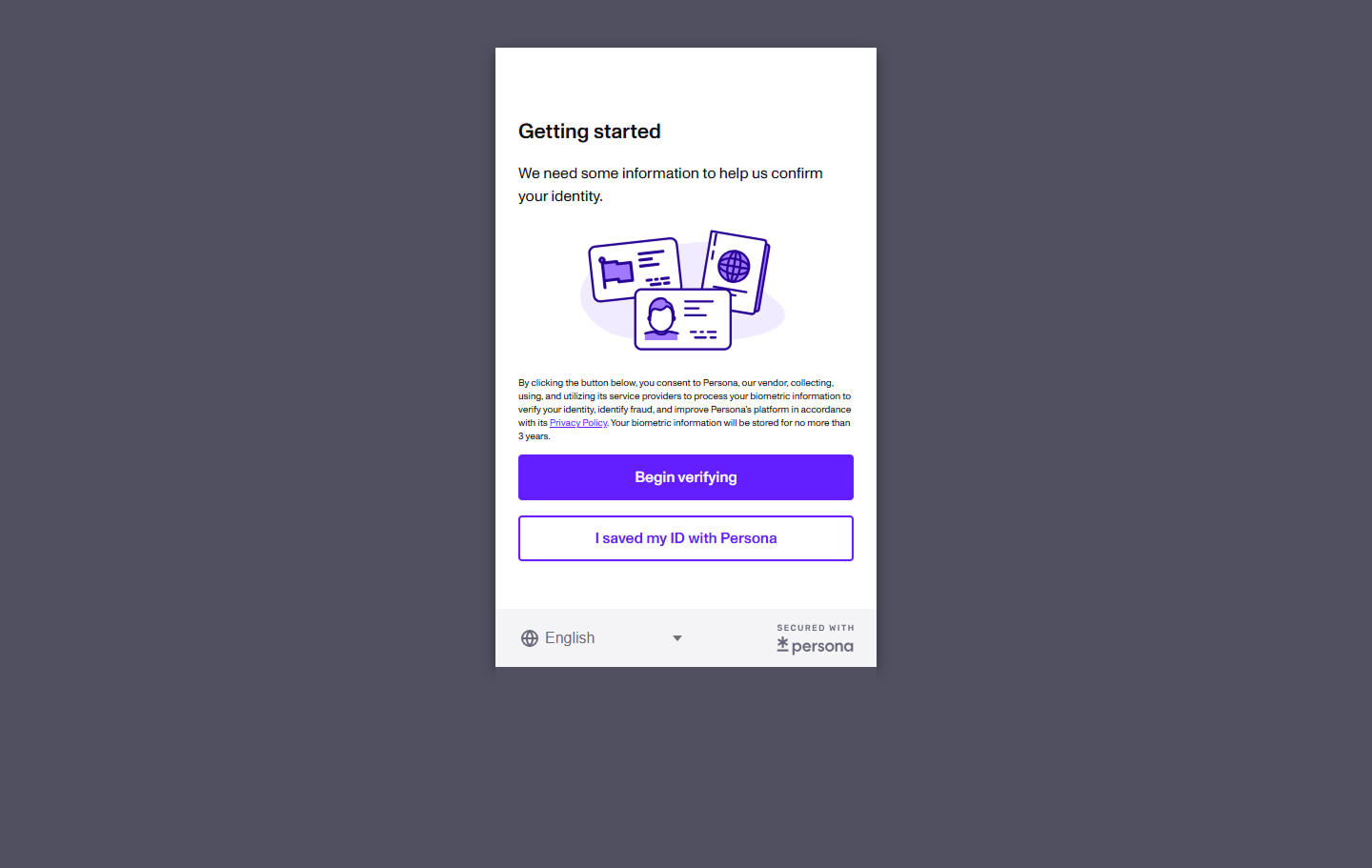
KYC is handled through Paywint’s integrated Persona flow.Your platform calls the API to obtain a verification link, and the user completes KYC in a hosted or embedded Persona widget.
Submit KYC
Retrieve a verification link to initiate or resume KYC for a user.
Get KYC Status
Fetch KYC details after verification is completed.
How KYC Works
When you call the Submit KYC endpoint, Paywint returns:inquiry_url→ Persona verification linkis_kyc_pending→ Whether verification is still needed
- Embedded (iFrame)
- Hosted Page
Embed the Persona identity verification flow directly inside your application using an iFrame.
This option keeps users fully within your UI while Paywint and Persona handle document capture, identity validation, and compliance processing behind the scenes.
This option keeps users fully within your UI while Paywint and Persona handle document capture, identity validation, and compliance processing behind the scenes.
1
Call Submit KYC
Your backend calls
Submit KYC
to retrieve the
Submit KYC
to retrieve the
inquiry_url.2
Embed the widget
Load the
inquiry_url in an <iframe>.3
User completes verification
The user uploads ID documents and completes all required steps directly inside your flow.
4
Persona completion
When the user presses the “Done” button in Persona, Paywint receives a redirect callback.
5
Paywint sends webhook
After verification data is processed, Paywint sends a lifecycle webhook to your server.
6
Fetch KYC
Your server calls Get KYC to retrieve verification details and status.
KYB Verification (Businesses)
KYB verifies business information such as legal entity details, documents, EIN, and formation data.Submit KYB
Submit business information and mandatory supporting documents.
Get KYB Status
Retrieve business verification results and document metadata.
How KYB Works
Submitting KYB requires:- Business details (name, address, EIN, entity type, etc.)
- At least two publicly accessible document URLs
(You can link to your documentation page about document URL requirements)
Looking for document upload rules?
See Document Upload Guidelines
See Document Upload Guidelines
1
Submit KYB
Make call to Submit KYB with business information and document URLs.
2
Paywint validates documents
Paywint checks required fields and validates submitted URLs.
3
Verification processing
KYB review is completed asynchronously by Paywint and compliance partners.
4
Webhook delivered
Once processing is complete, Paywint sends a webhook notifying you of changes in KYB status.
5
Retrieve KYB record
Your server calls Get KYB to read the latest business verification data.
When Compliance Is Required
Webhooks
Paywint sends webhook notifications as KYC or KYB verification progresses.These include:
- Verification started
- Data received
- User/business status updated
- Verification completed or requiring additional documents
Exact event names and payloads are listed in
Webhook Event Types.
Best Practices
- Always open Persona in a secure frame or new tab.
- Use
Get KYCandGet KYBafter receiving webhook notifications. - Use descriptive business documents and ensure they are publicly accessible URLs.
- Ensure your compliance webhook endpoint is always available.